Make text travel cleanly.
Transform strings for markup, links, APIs, and character sets.
HTMLURLUnicodeNCRBase64
</>
 JS Encoder
Find on Chrome Web Store
JS Encoder
Find on Chrome Web Store
Encode a string, check a hash, generate an ID, or untangle a timestamp. JS Encoder keeps 13 focused utilities one click from your work.
 YOUR TOOLBOX, ALWAYS CLOSE
Open the popup, choose a tool, and get back to building. Each function has a clear, dedicated workspace.
Transform strings for markup, links, APIs, and character sets.
Generate MD5 or SHA hashes and work with AES or DES encryption.
Beautify code, sort text or files, and turn images into Data URIs.
Convert number bases, translate timestamps, and generate identifiers.
Everyday developer chores deserve a better home than another open tab.

Create a digest with MD5 or SHA, or work through an AES or DES encryption task from the same popup.
HASH · ENCRYPT / DECRYPT
Generate UUID, ULID, or Snowflake IDs, work with Unix and ISO time, and convert numbers between bases.
ID GENERATOR · TIMESTAMP · NUMBERS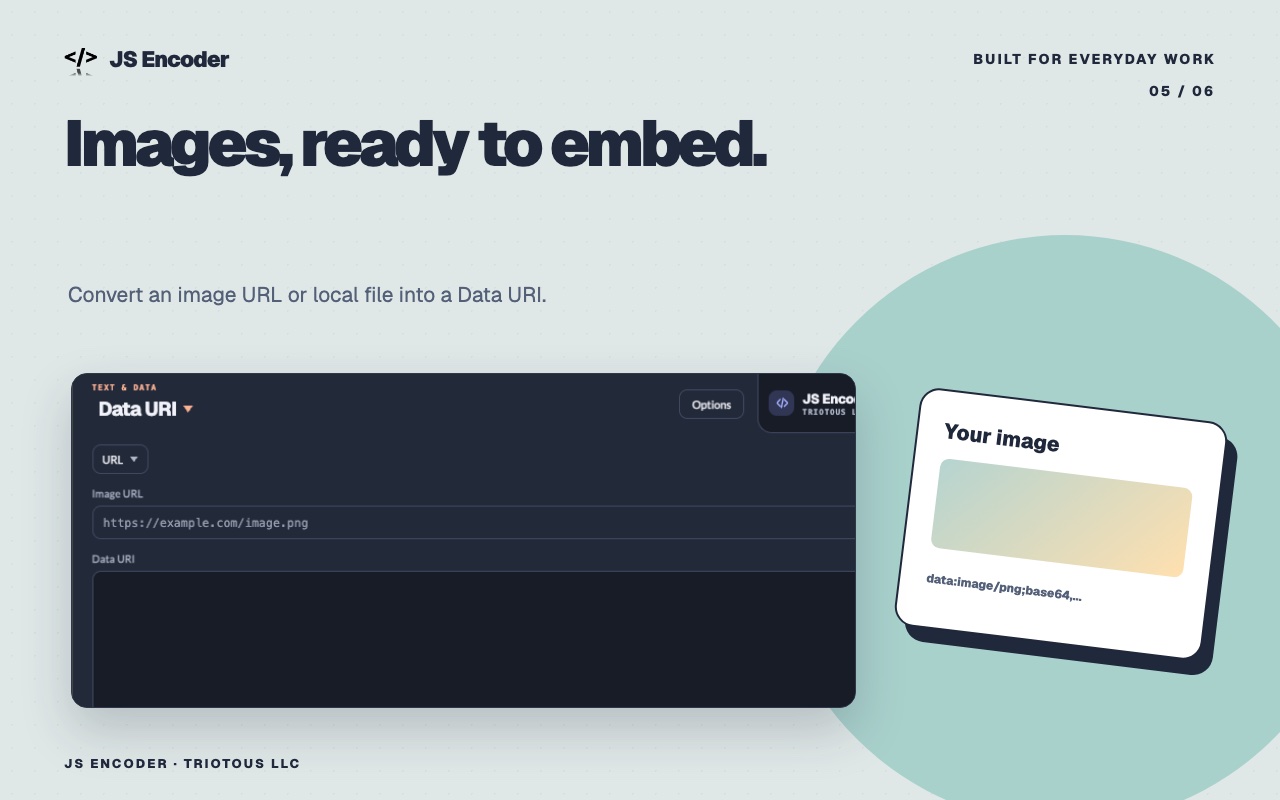
Convert an image URL or local file into a Data URI. Beautify and sort text when you need a clean result fast.
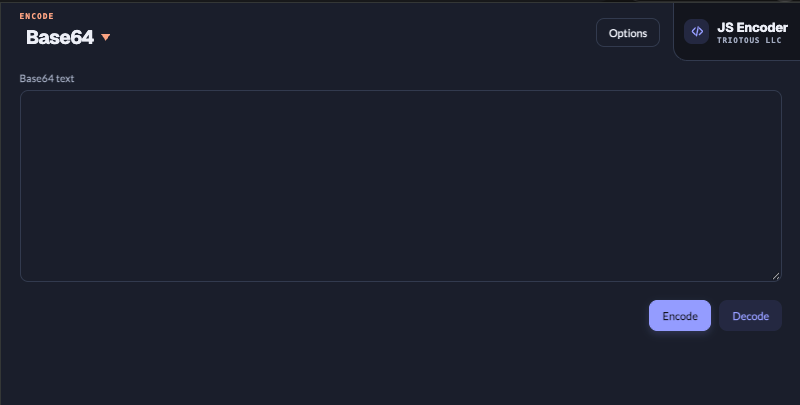
DATA URI · BEAUTIFIER · SORTSwitch between light and dark themes, and choose which tools appear in the popup. Keep the workspace focused on what you use.
Explore the tools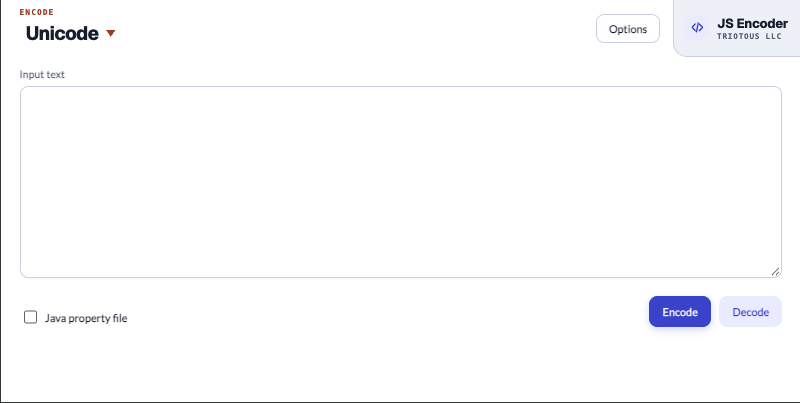
JS Encoder opens from the Chrome toolbar. Its settings open in a separate tab.
Yes. Select light or dark mode in Options and save your preference.
Yes. Hide tools you do not need, while keeping at least one available.
Encoding, hashing, encryption, beautifying, sorting, Data URIs, numbers, timestamps, and ID generation.
One click away from the little tools you reach for every day.
Find JS Encoder on Chrome Web Store